
Choose your AI client
Configure Claude Code—or another compatible MCP client such as OpenAI Codex—to use the TalonPCB server. Ask it to perform a supported design task.
Model Context Protocol · Bring Your Own AI
Connect Claude Code, OpenAI Codex or another supported MCP client to operate TalonPCB through its MCP server. Inspect and verify all generated engineering changes. Or use your AI to tell Talon to build your board to your specs from scratch and watch it appear on your screen in real time.
Claude Code · OpenAI Codex · Compatible MCP clients · Real TalonPCB GUI control.
How it works
Configure Claude Code—or another compatible MCP client such as OpenAI Codex—to use the TalonPCB server. Ask it to perform a supported design task.
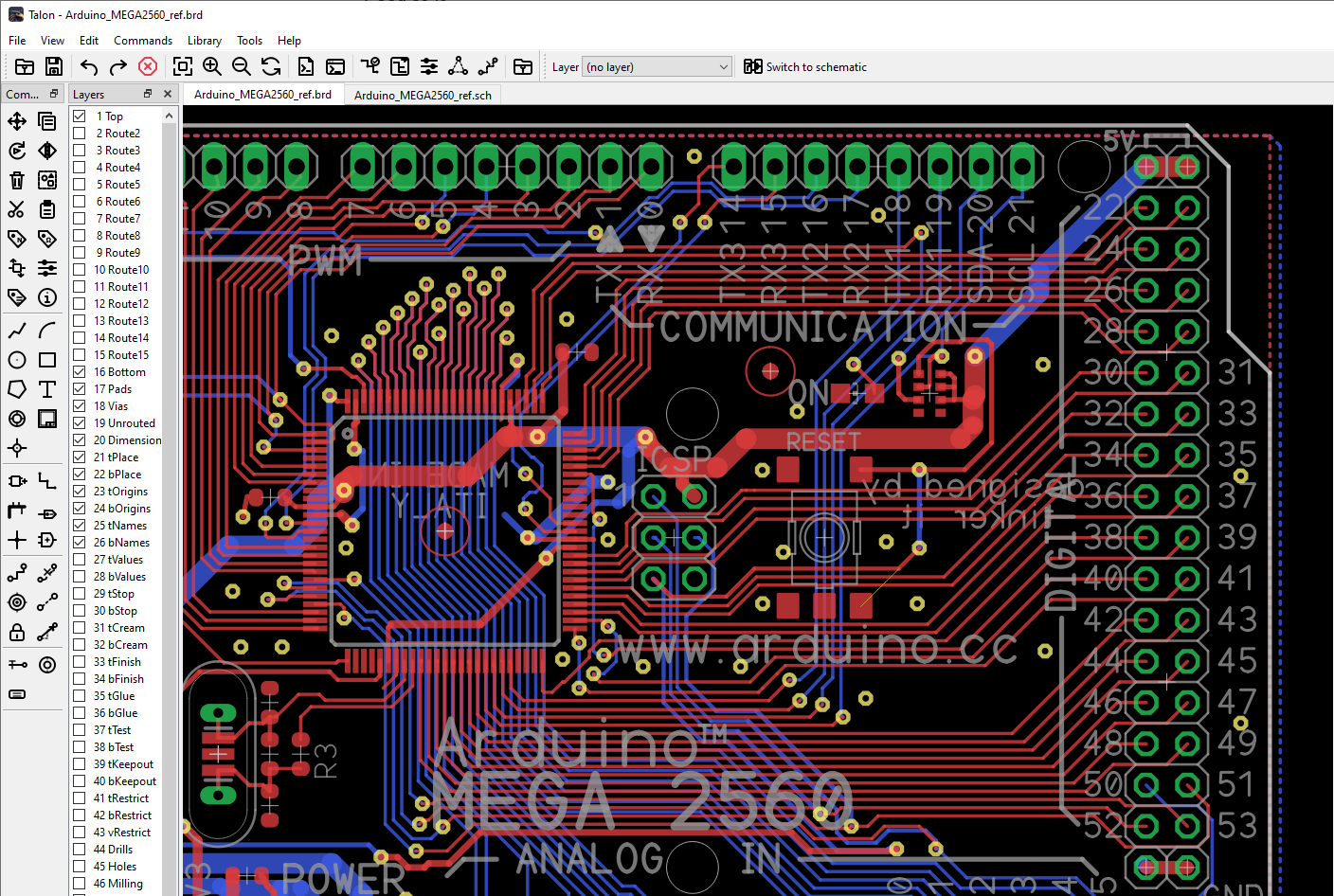
The MCP server provides a tool interface for TalonPCB actions, connecting the AI client to the live desktop application.
The work is performed in TalonPCB, where you can inspect results, correct mistakes, and verify the design before fabrication.
Your tools. Your choice.
TalonPCB exposes CAD actions through MCP rather than tying your workflow to a particular AI subscription. Choose the client and model that work best for your designs.
Drive schematic, board and library operations using a Claude Code session connected to TalonPCB.
Connect OpenAI Codex to the TalonPCB MCP server to operate the real editor with AI-assisted tasks.
Use other supported MCP clients and agent frameworks to access TalonPCB tools through the standard interface.
All AI clients are external to TalonPCB. You choose your provider and are responsible for its account, costs, and data-handling terms. No particular model subscription is required for TalonPCB’s standard CAD tools.
More than a chatbot
Without an integration, an AI assistant can explain what to click or produce a fragment to import. With MCP, a supported request can be translated into an action in the actual TalonPCB GUI. That creates a foundation for increasingly useful engineering workflows.
The MCP server is a tool bridge, not an autonomous design sign-off. AI changes still require the same DRC, ERC, datasheet, footprint, and fabrication checks as manually created designs.
Describe the board you want, let your AI operate TalonPCB through its MCP server, and watch the design take shape live in the editor. Inspect and verify all generated engineering changes.
Use the online User Manual for client setup, supported tools and integration examples.
User Manual (placeholder) →Intelligent component libraries
Start with a manufacturer PDF and turn it into a proposed TalonPCB library device. The MCP-powered process builds the symbol, footprint and pin-to-pad mappings inside the editor, where you can verify and refine the result.
Symbols, footprints, electrical attributes and pin-to-pad mappings must still be checked against the manufacturer’s documentation. The MCP-driven creation path is not presented here as completed.
Hosted AI datasheet processing uses separately metered credits. External AI clients may have their own subscriptions or API usage charges.